The Poppins Fall Release makes household payroll easier to run and easier to get right.
With our new product updates, your employees can now track their own hours and check their pay in the Poppins app. You can give a partner or family member access to manage payroll without sharing your password. And new guidance inside Poppins helps you stay on top of minimum wage and overtime rules as you run payroll. It’s the next step in our journey of making household payroll easier for every kind of household.
Here’s the full rundown of what we’re releasing today:
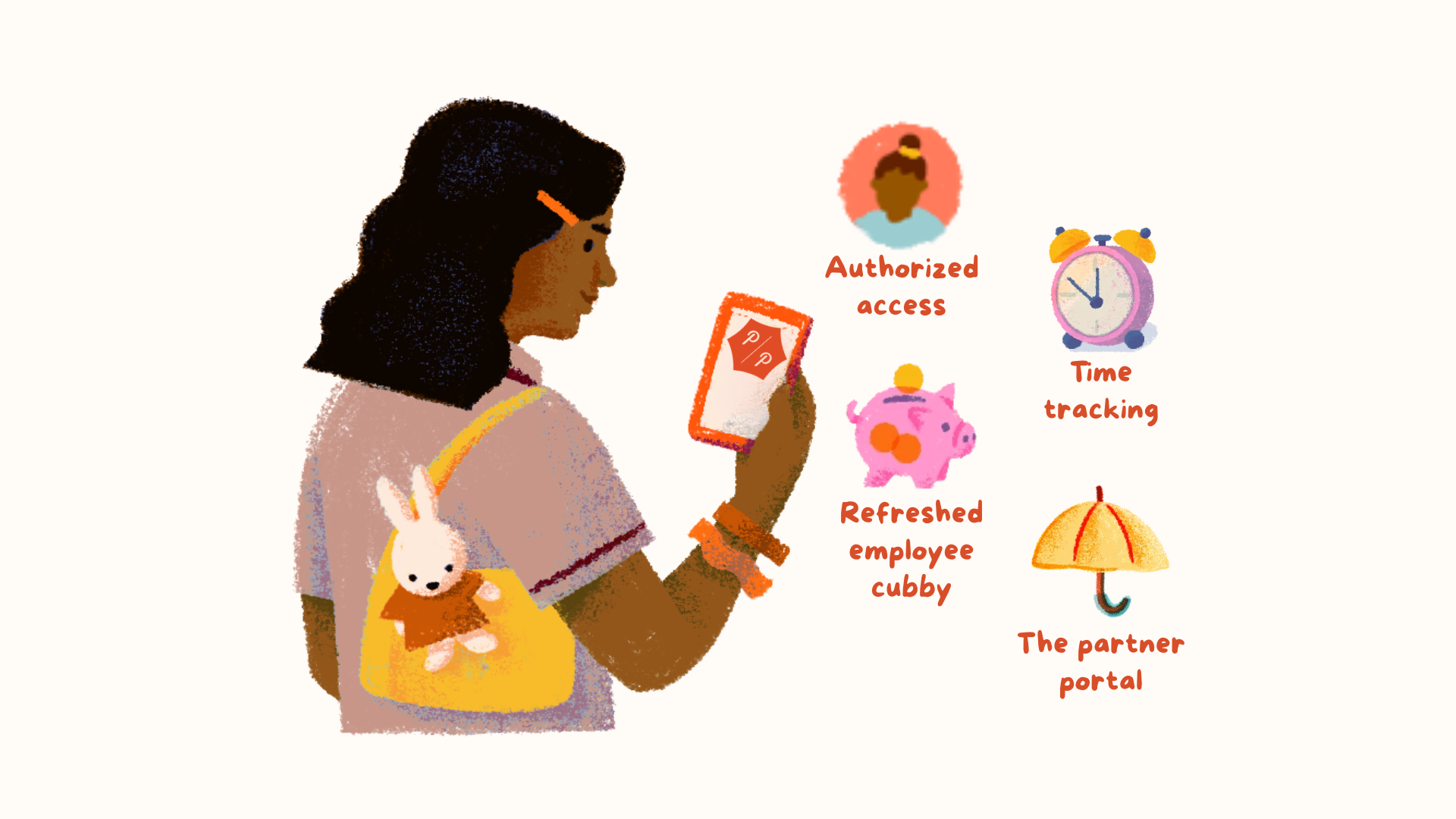
- Time tracking: Your employee submits their hours, and you approve them before payroll runs.
- Authorized access: Give a family member, assistant, or accountant their own login, with the level of access you choose.
- A redesigned employer portal: Enter hours by day or by week, get minimum wage and overtime guidance as you run payroll, and see a countdown before taxes are withdrawn.
- Employee self-onboarding: Your new employee can enter their own contact details, bank information and tax filing status when they join, so you spend less time on setup.
- A refreshed employee cubby: Your employee can see their pay, paystubs, W-2s and time off balances in one place.
- An updated Poppins app: Our updated mobile app makes it easy to run payroll and approve hours on the go. Plus, your employee can now use it too.
- The partner portal: Accountants and bookkeepers can manage all their client households in one place.
Everything in the Fall Release is included in your current plan, at no extra cost.
Time tracking: Your employee submits their hours, you approve them
Our most requested feature of the year! With time tracking, your employee enters their own hours in Poppins, and you review them before payroll runs. No more "What were your hours this week?" texts.
If your employee works the same hours every week, nothing has to change. Automated payroll keeps running on your default settings, and you only step in when something's different. If their hours change from week to week, time tracking lets them submit those hours to you.
- You choose who uses it: Time tracking is opt-in, and you can turn it on for each employee. You can stick to the old way of doing things, but we think you'll prefer the new way!
- Your employee submits their hours: Your employee enters a daily total in the app or on the website. They can also add PTO or sick time (if you have a time off policy set up), along with a note.
- You review before payroll: You can accept the hours, adjust them, or use your own instead, right from your phone. We'll send both you and your employee reminders before each deadline.
- Payroll still runs on time: Your employee submits by Sunday at noon MT, and you have until Monday at 11:59 a.m. MT to review. If you don't review by then, payroll runs with the default hours from your employee's pay settings, plus any edits you've already made and saved on that payroll.
Authorized access: Share the load, not the password
For some families, payroll is one person's job. For many, it's shared: with a spouse or partner, with siblings coordinating a parent's care, with an assistant who keeps the household running, or with an accountant who needs your records at tax time. It takes a village, and now authorized access makes sure everyone in yours can have their own login.
- Invite the people you work with on payroll: Invite authorized users from the Settings tab.
- Pick the right access: Full access lets someone run payroll and manage employees. View access lets them see and download records, with sensitive details masked. That's ideal for an accountant at tax time.
- Stay in the loop: We'll email you when someone accepts an invite, runs payroll, or has their access changed.
- You retain control: Only you can cancel the account, invite others, or change your personal and bank details. You can change or remove access for authorized users at any time.
Caring for a parent? If your parent is the employer, they can invite you and your siblings as authorized users. One person can run payroll while others keep an eye on pay history and tax documents from their own login. Updates show up for everyone, so when one person runs payroll or makes a change, the others can see it the next time they log in. That means less back-and-forth about who paid what.
A more intuitive employer portal
We rebuilt the employer portal around what families do most: updating hours and running payroll.
- Enter hours by day or by week: Before, you could only enter hours for the whole pay period. Now you can enter them day by day, and your payroll summary updates as you go.
- Minimum wage and overtime guidance: Poppins flags minimum wage and overtime rules as you run payroll, including daily overtime rules in the states that have them: Alaska, California, Colorado, Nevada and New York.
- A heads-up before taxes are withdrawn: You can see when federal and state taxes are due, with a countdown that starts 10 days before they're withdrawn from your bank account.
- Tax documents in one place: You can view filings and withdrawals, and download W-2s and payroll records from the new Documents tab.
- Employee self-onboarding: When you add a new employee, or join Poppins for the first time, just enter your employee's email address. They'll get an invite to add their own details in Poppins.
A refreshed employee cubby
Your employee's cubby got a fresh coat of paint too. It's their home in Poppins, on the web and in the app. If your employee hasn't logged in to their cubby yet, they'll need to activate it first. You can resend their invite from Employees: click the three dots next to their name, then choose Resend invite. In their cubby, your employee can see:
- Next payday, year-to-date pay, and paystubs.
- W-2s and other tax documents, ready to download.
- PTO and sick time balances, plus your time off policy.
- Reference letters from you.
- Time tracking, if you’ve turned it on.
- One login for every Poppins family they work for.
So the next time your employee wonders how much PTO they have left, the answer's already in their pocket.
The Poppins app for iPhone and Android
Our app also got a facelift. It’s now available to all Poppins users, including your employees and authorized users, and each person gets a view built for them:
- Families can run payroll, approve hours and download tax documents from their phones.
- Employees can submit their hours, check their next payday, and download their W-2s from their phones, without having to ask you.
- Authorized users can also use the app with their own login and access level.

For accountants and bookkeepers: Manage your clients in one place
Accounting firms and bookkeepers can now manage multiple client households from the Poppins partner portal, with each household's state, next payroll and status in a single dashboard. No more juggling a separate login for every household. Accountants, bookkeepers, and other partners can visit our partner page to learn more and sign up.
What should we build next?
We’re committed to making household payroll as easy as possible for families who employ someone in their home. Every feature in this release came from feedback we heard from Poppins families and their employees. Have an idea for what we should build next? Share it here. We’d love to hear from you.
Ready to try it? Log in or open the Poppins app and take it for a spin. Turn on time tracking, invite an authorized user, and tell your employee to download the app.
New to household payroll? Get started with Poppins.